Play sessions
See how many times players complete your routines, track repeat plays, and view total practice time.
Transform your YouTube movement and dance videos into interactive practice games. Follow this step-by-step walkthrough to get the most out of your dashboard.
When creating your creator account, you must use the exact email address associated with your YouTube channel. If you register using a different personal email, we will not be able to verify channel ownership and cannot approve your account.
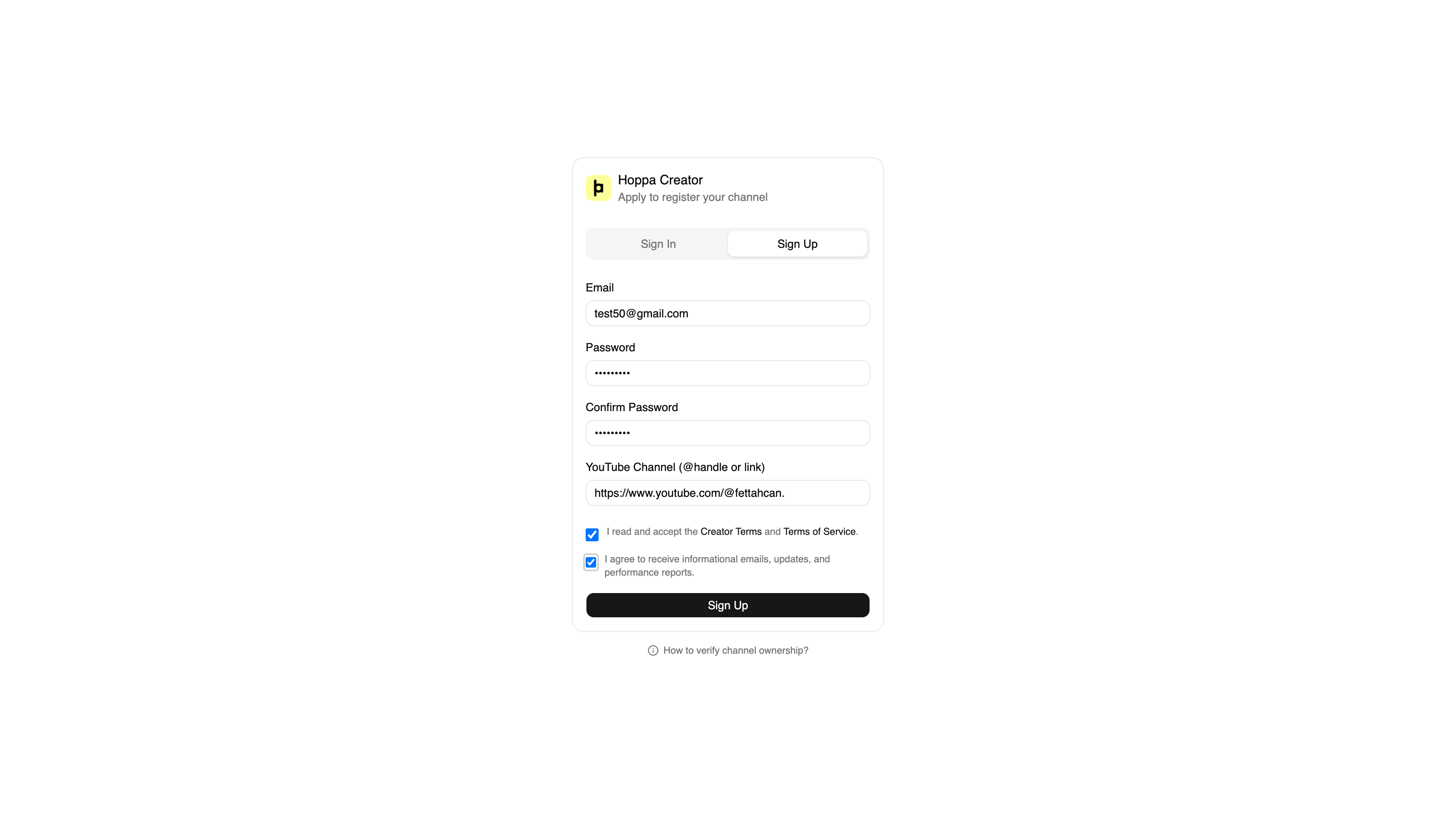
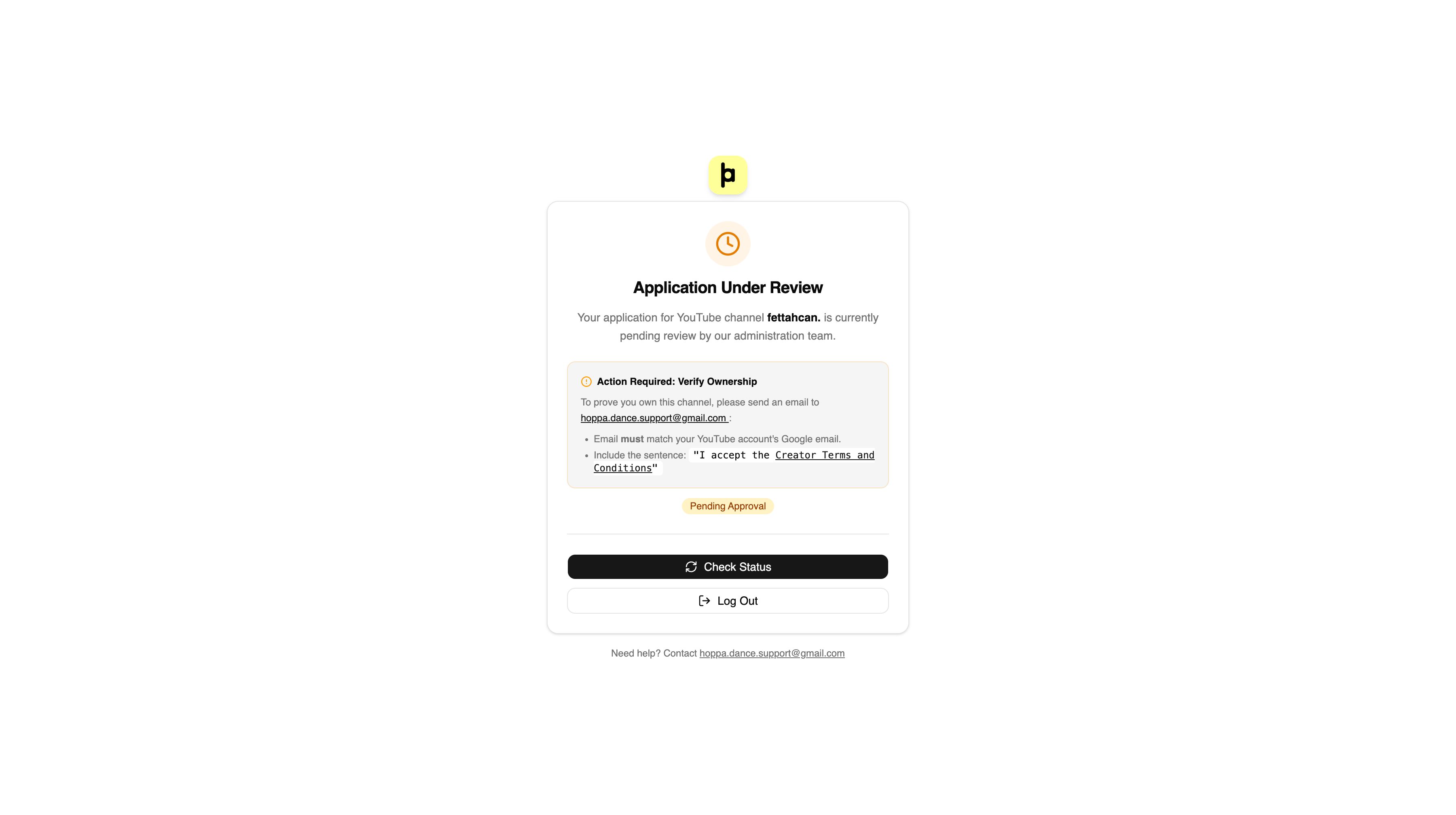
After signing up, your account will not be activated immediately. To safeguard creator rights and maintain content quality, every application is individually reviewed by our team.
If you haven't heard back from us or would like to expedite your verification, feel free to send us an email anytime.
Reach out directly to our creator partnerships team:
hoppa.dance.support@gmail.comOnce approved, you can start adding your channel's routines. Head over to the "Add Dance" section and simply paste your YouTube video URLs.
Paste your YouTube link. Our computer vision engine extracts the choreography, posture coordinates, and beat markers into an interactive playable challenge.
Prefer a zero-effort setup? Send us your playlists or video catalog, and our team will configure and integrate all routines on your behalf.
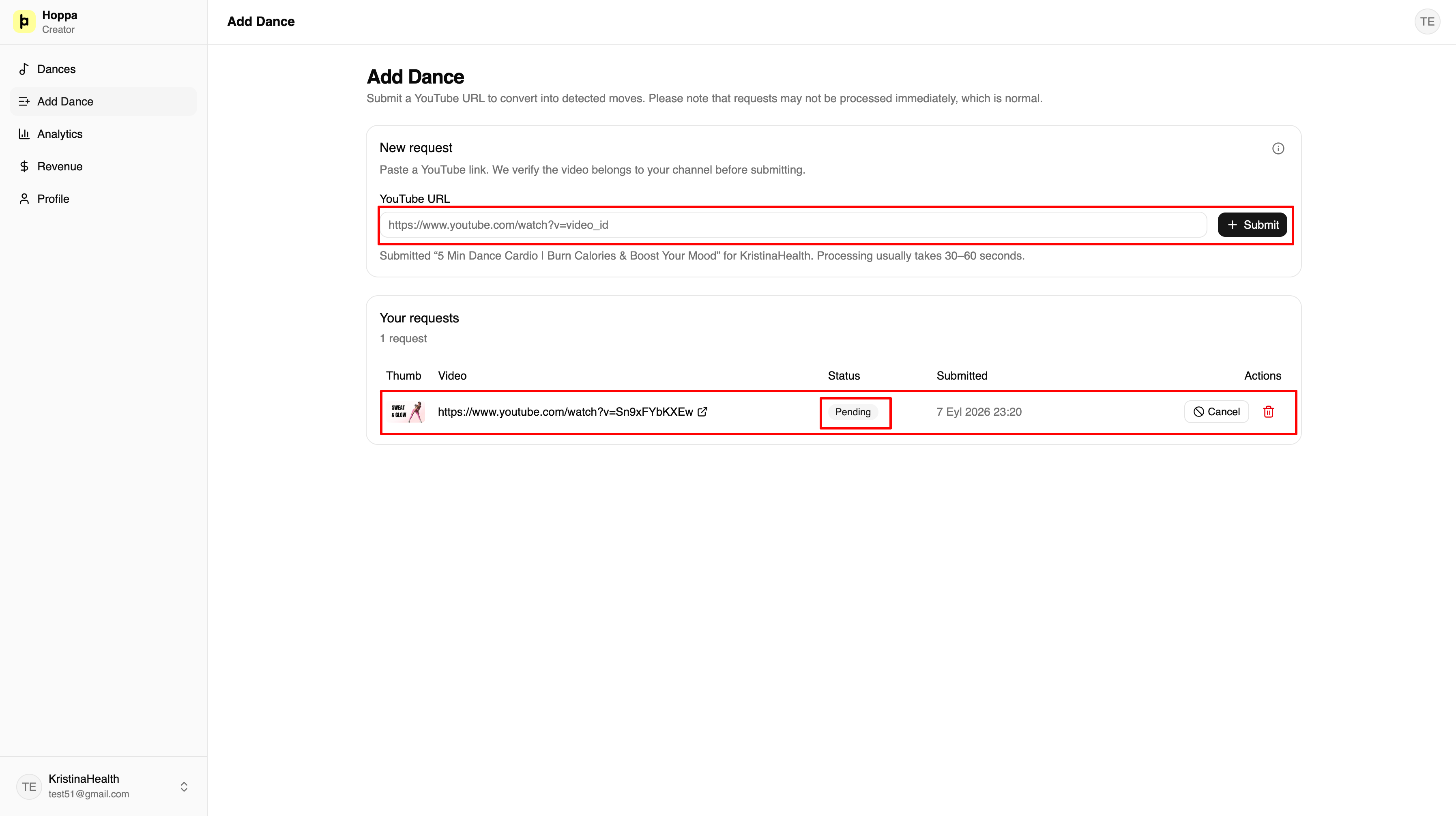
You maintain total control over your content at all times through intuitive switches in the Dances view:
Instantly publish or hide any video inside the Hoppa app with a single click. There are no lock-ins or commitments.
Choose whether to display ads before your routines start. When enabled, you earn revenue from every viewer session.
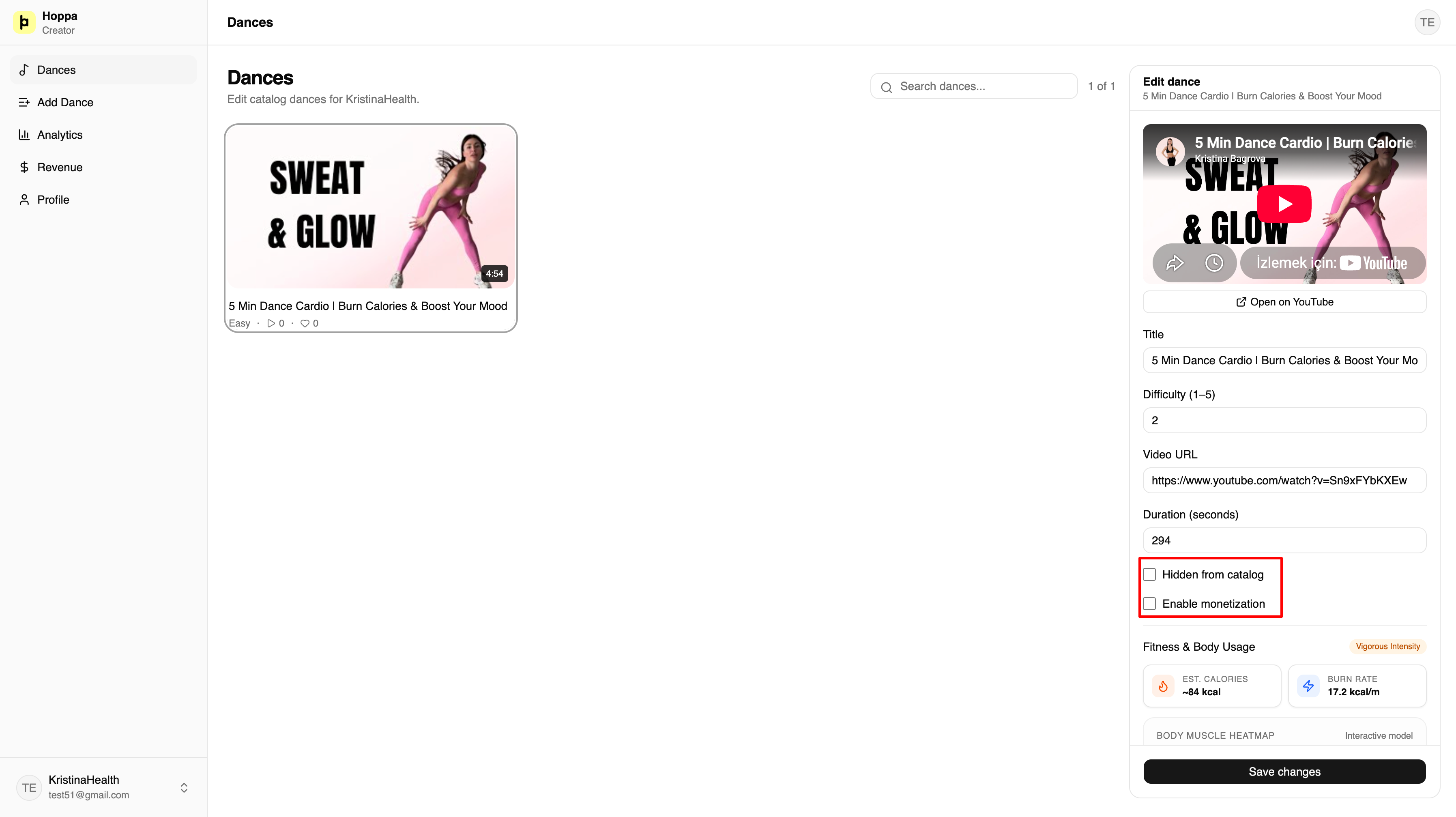
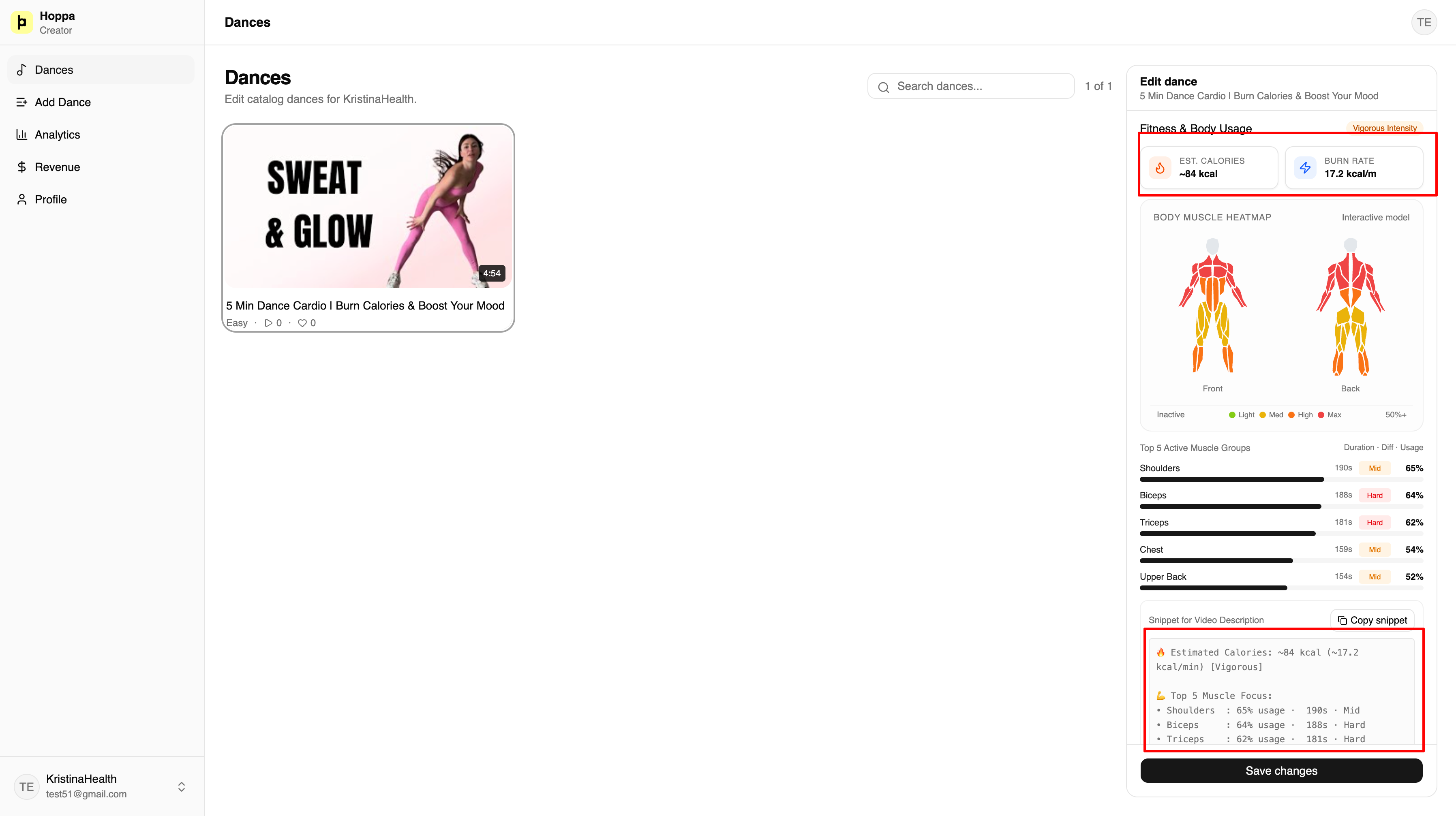
Every video integrated into Hoppa is analyzed by our advanced pose-estimation engine. We automatically calculate the average calories burned and targeted muscle groups (Core, Legs, Arms, Cardio, etc.) for each routine.
Hoppa provides this AI biometric analysis completely free for all partner creators.
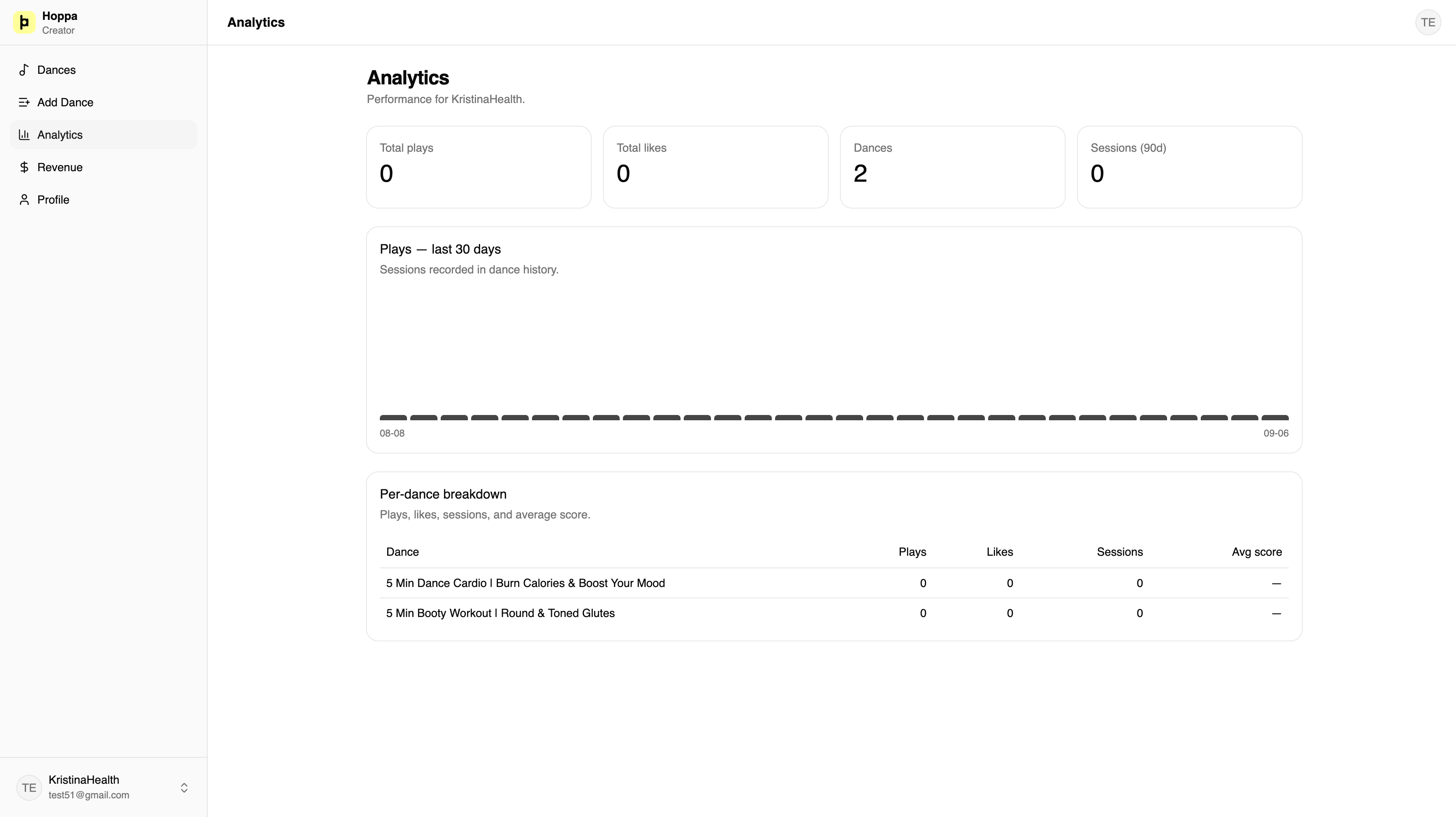
The "Analytics" tab gives you real-time visibility into how Hoppa users interact with your choreographies.
See how many times players complete your routines, track repeat plays, and view total practice time.
Discover which choreography styles, tempos, and difficulty modes resonate best with users.
Track audience members who discover your work in Hoppa and click through to your YouTube channel.
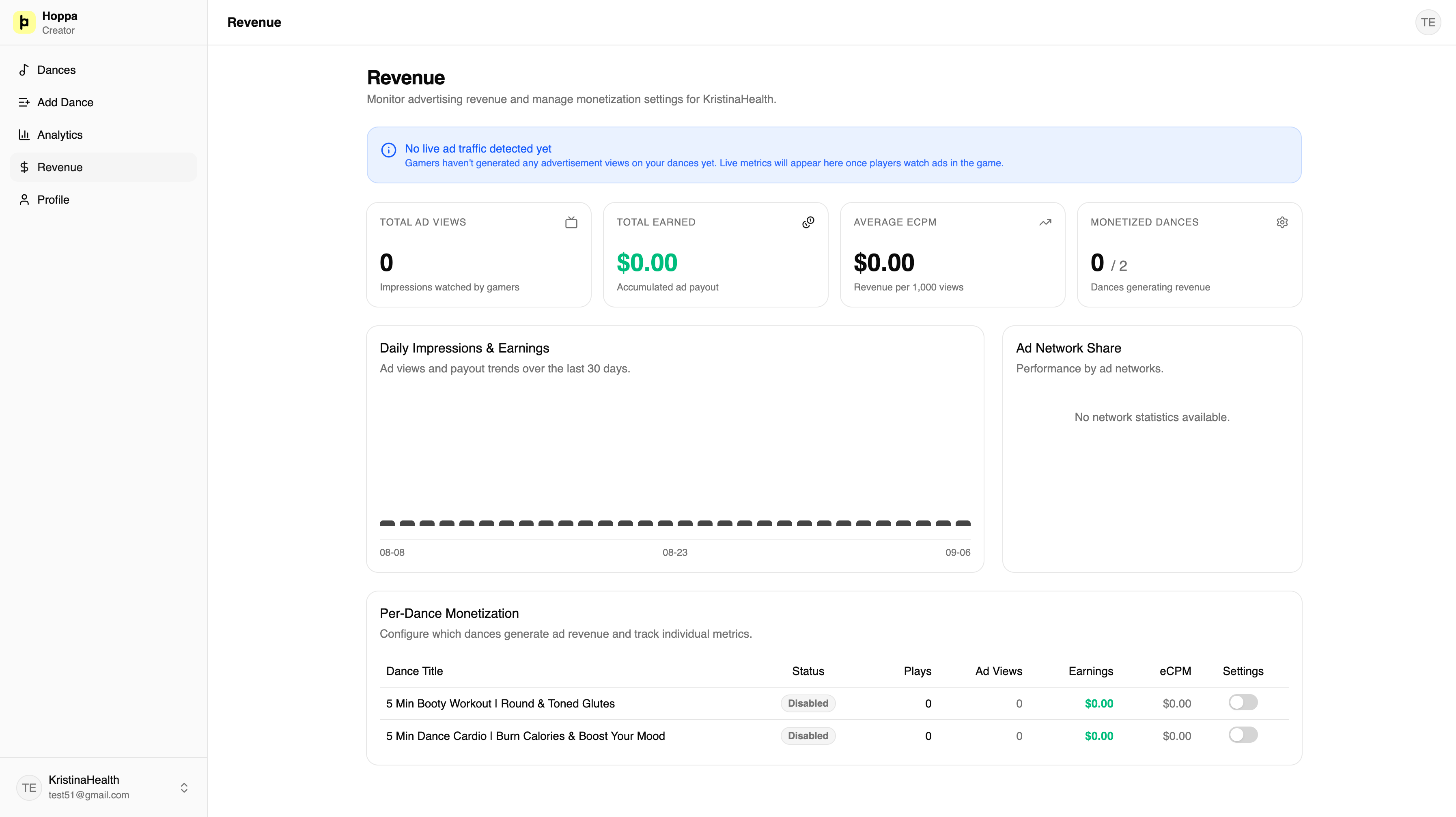
If you have enabled revenue sharing on your videos, you can transparently inspect your accumulated balance and payout status on the "Revenue" page.
You receive a 75% net share of all pre-roll ad revenue generated by users playing your routines. Every view is recorded and credited.
Once your balance reaches the €100 threshold, payments are processed directly to your bank account or preferred payout provider.
Whether you need help with account approval, batch video imports, or biometric analytics, our partnerships team is here to assist you.